Accessibility Statement
We want boston.exchange to work for everyone. Our target is the Web Content Accessibility Guidelines (WCAG) 2.2, level AA.
Last updated: November 19, 2026
What we do
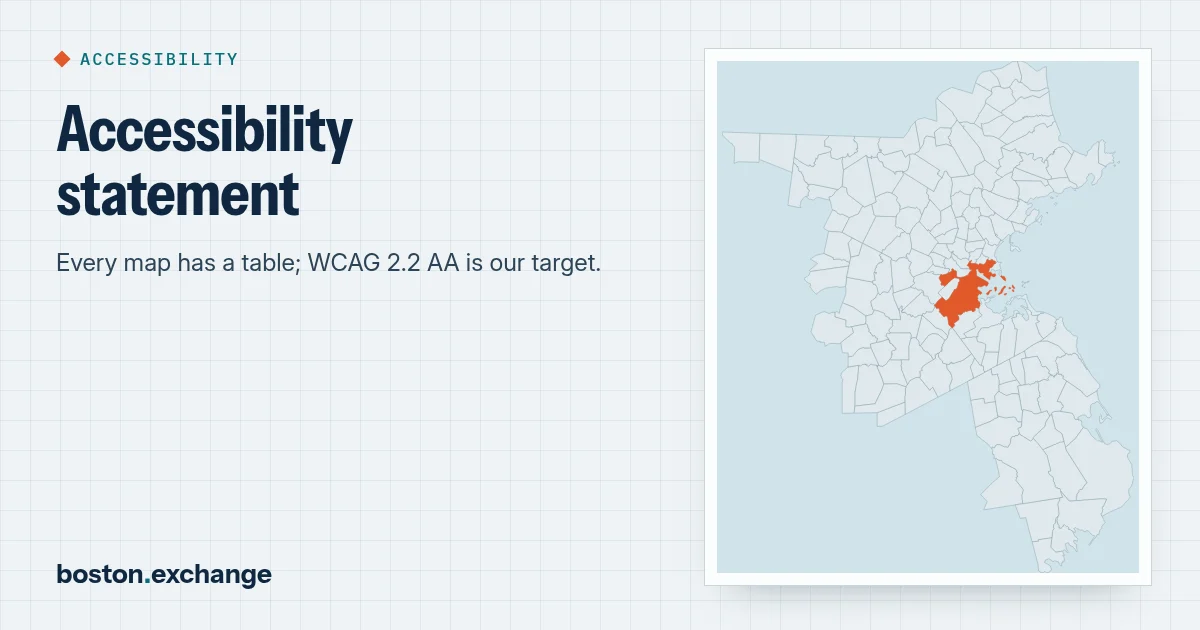
- Every map has a table. Each interactive map also lists its numbers and places in a table or list on the same page, which works with screen readers and keyboards.
- Maps work without a mouse or JavaScript. Map markers are links to their list entries, and filters work as an ordinary form.
- Color is never the only cue. We check map colors for color-blind readers, and place types also differ by marker shape.
- Text and controls meet contrast requirements in both light and dark mode, the site follows your device’s dark-mode setting, and animation is reduced when your device asks for reduced motion.
- We test pages with automated checks (axe) on phone, tablet and desktop sizes, and by hand with a keyboard.
Known limitations
- Zooming and panning inside the maps needs a pointer or touch; the table below each map gives the same information.
- Google serves the ads, and we can’t fully control their accessibility.
Tell us about a problem
If something on the site is hard to use, please tell us through the contact form (choose “Accessibility problem”). Tell us the page and what happened, and we will try to fix it or send you the information another way.
How we check
We test pages with an automated WCAG 2.2 checker and by hand with a keyboard, at phone and desktop widths, in light and dark mode. Each map has a matching table, and each page works without JavaScript. If a page fails a check, we fix it before we publish it. See our sources and methodology page for how we build the maps, or send a report through the contact page.